Install Ubuntu on Raspberry Pi
Based on official documentation : https://microk8s.io/docs/install-alternatives#heading–arm
- Hardware requirements:
Raspberry PI 4 B board (4CPU, 4GB) less ressources is not suitable
At least 20Gi SD Card
Download assets
To flash Ubuntu in SD you will required :
Download Raspberry Pi Imager (OS flash tool): https://www.raspberrypi.org/software/
Download Ubuntu Server 20.04.1 LTS 64-Bit for Raspberry Pi 4 : https://ubuntu.com/download/raspberry-pi
Flash Ubuntu on SD Card
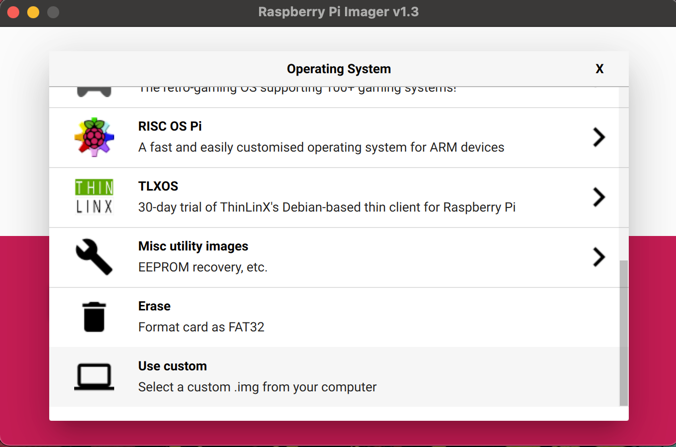
Select other image
Select SD Card
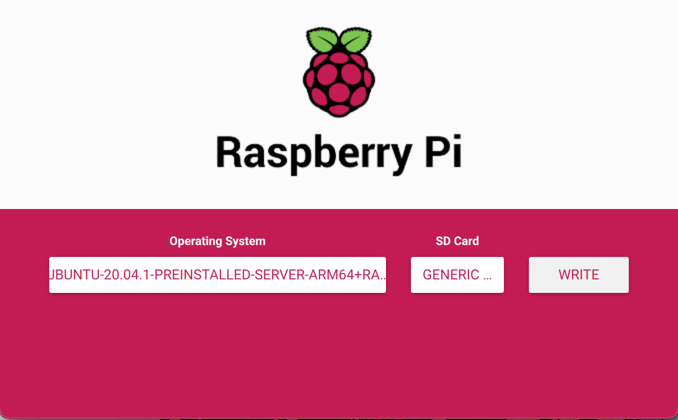
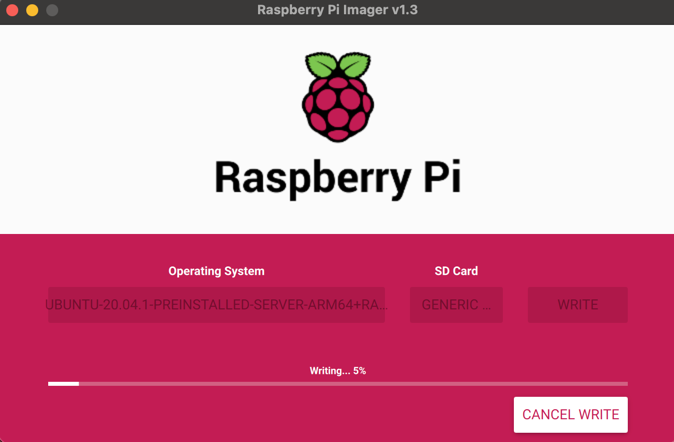
Click on write and wait
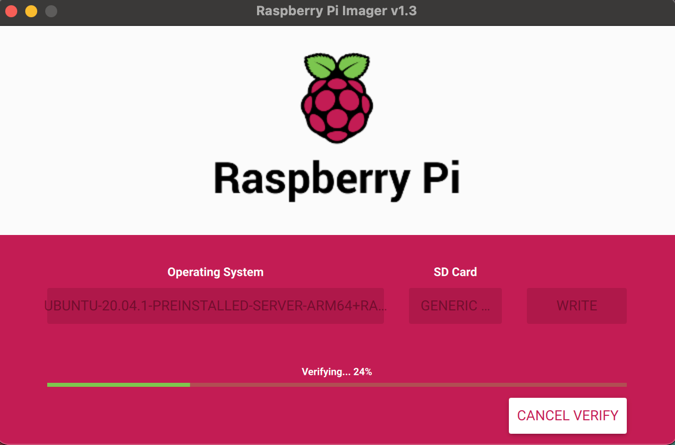
You can cancel verification
Edit cmdline.txt
Warning
In order to get Microk8s working on this Ubuntu, you need to edit cmdline.txt
This step is the most important, do not skip this one.
Put again SD card on you computer, with fresh flashed Ubuntu.
Open cmdline.txt at SD card root

Something like that will appear
net.ifnames=0 dwc_otg.lpm_enable=0 console=serial0,115200 console=tty1 root=LABEL=writable rootfstype=ext4 elevator=deadline rootwait fixrtc
Append at the end of line :
cgroup_enable=memory cgroup_memory=1
Once cmdline.txt has been edited, the file will be like that:
net.ifnames=0 dwc_otg.lpm_enable=0 console=serial0,115200 console=tty1 root=LABEL=writable rootfstype=ext4 elevator=deadline rootwait fixrtc cgroup_enable=memory cgroup_memory=1
Save and close cmdline.txt.
Remove SD card safely.
Default ssh credentials
User: ubuntu
Password: ubuntu